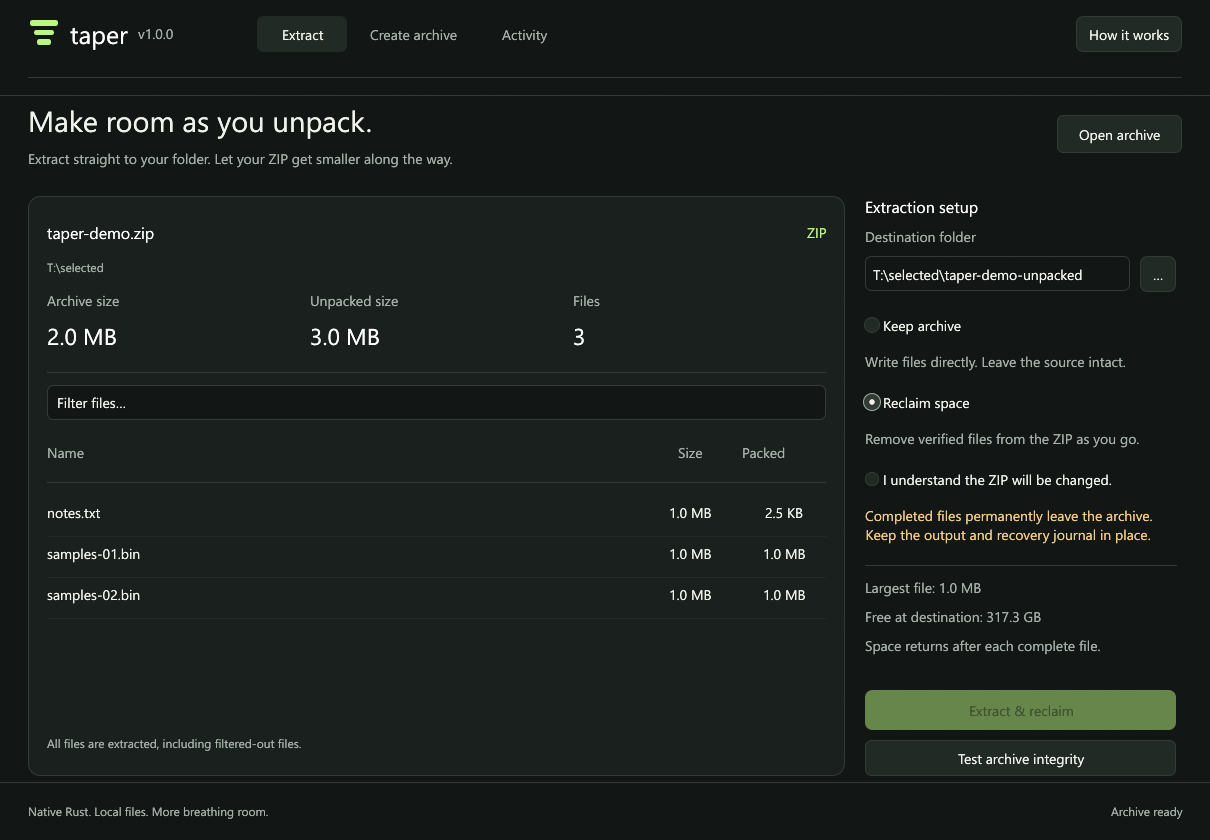
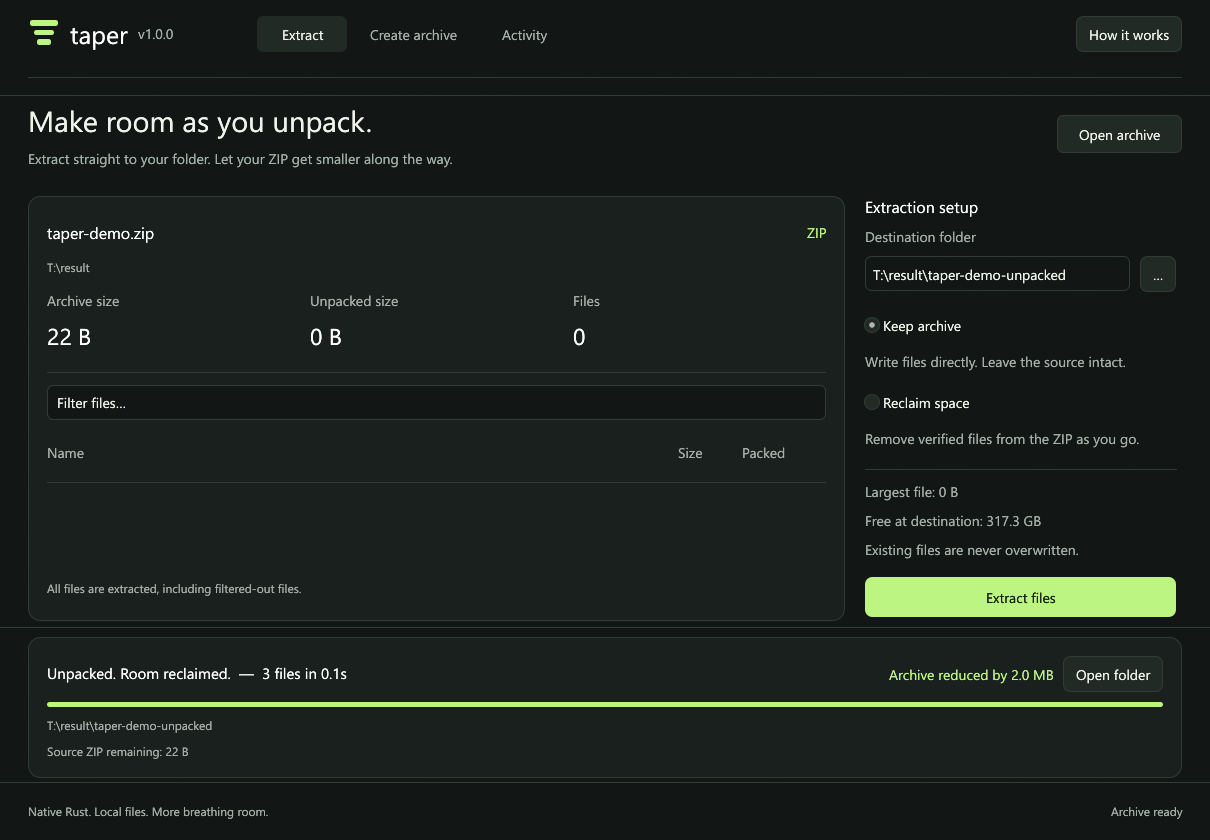
taper-demo.zip
22 B
Complete. All three files verified.
Files in your folder
3 of 3
- samples-02.binVerified
- samples-01.binVerified
- notes.txtVerified
3,145,728 B written directly.
 taper
taper
Native Rust extraction, straight to your folder.
One recorded test. Every file verified.
taper-demo.zip
Complete. All three files verified.
Files in your folder
3 of 3
3,145,728 B written directly.
Generated test. No browser extraction.
Inspect the recorded traceReclaim permanently changes the ZIP, per complete file. Allow room for the next file. Windows manages filesystem caching.
Everyday archives, with a clear boundary for reclaim.
| Format | Extract | Reclaim |
|---|---|---|
| ZIP / ZIP64 | Yes | Yes |
| TAR | Yes | No |
| TAR.GZ / TGZ | Yes | No |
Create ZIPs with Deflate compression. ZIP extraction supports Stored and Deflate.
RAR, 7z, encrypted and multipart archives are outside this release.
Windows 10/11, x64. Taper 1.0.0.